Why searchiq
Instantly Find What You to Need
Discover any data record across your entire organization in seconds.
Cut through noise and eliminate wasted search time with a unified engine that surfaces the right information instantly.

Remove Barriers to the Data You Need
Eliminate obstacles between teams and the data that drives their decisions.
Deliver fast, compliant visibility into the right information, without ever exposing records beyond a user’s authorization.

Secure Search That Drives Action
Locate any piece of data the moment you need it.
Reduce effort and avoid confusion with fast, frictionless search across all your systems and environments.

Features
This product enables organizations to scan, identify, and discover data across both structured and unstructured data stores.
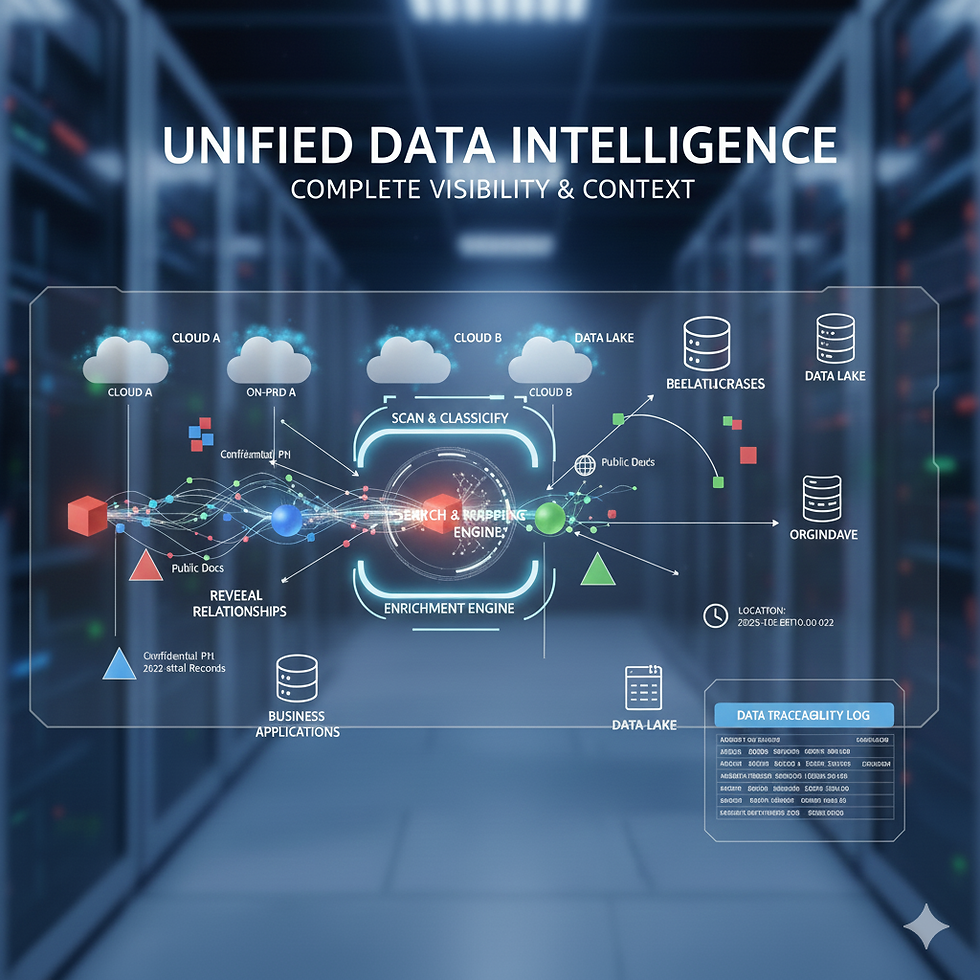
Unified Data Indexing
Discover and index information from all your systems—databases, file shares, emails, CRMs, intranet pages, and cloud storage—and enrich every record with metadata like author, date, and department for smarter filtering and more relevant search results.

Intelligent Data Insights
Automatically understand and extract meaning from your information—identifying key entities, summarizing lengthy content, and detecting redundant or outdated data. This delivers clearer insights, reduces noise, and helps teams focus on what’s truly important.

Adaptive Relevance Engine
Prioritize the most meaningful results by factoring in popularity, recency, and user role, while machine learning continually personalizes outcomes—ensuring every search becomes more accurate and relevant over time.

Precision Search Filters
Help users quickly narrow results by department, file type, tags, or custom categories—making it easy to find exactly what they need, whether it’s HR onboarding documents, financial spreadsheets, or designer-approved project files.
Features
Powerful capabilities engineered to secure and simplify your data ecosystem
Data Discovery & Classification
-
Automated Data Scanning – Detect and index data across databases, endpoints, applications, and servers.
-
Data Classification – Categorize data based on type (structured vs. unstructured), sensitivity (PII, financial, legal, etc.), or custom business rules.
-
Metadata Extraction – Gather context around discovered data (location, ownership, timestamps, etc.).
Search & Insights
-
Global Search – Unified search functionality to find specific datasets, sensitive information, or related documents across multiple data sources.
-
Data Relationship Mapping – Visualize how different data points are connected, improving traceability.
-
Duplicate & Redundant Data Identification – Detect redundant, outdated, and trivial (ROT) data for optimization.
Security & Compliance
-
Sensitive Data Detection – Identify and flag PII, financial records, health data, or proprietary information.
-
Access Control & Permissions Review – Audit who has access to what data, ensuring compliance.
-
Compliance Reporting & Alerts – Generate compliance reports (GDPR, HIPAA, CCPA, SOC 2) and receive alerts on violations.
Data Discovery & Classification
-
Multi-Source Data Scanning – Connect with databases (SQL, NoSQL), cloud storage (AWS S3, Google Drive), endpoints, applications (CRM, ERP), and servers.
-
APIs & SDKs for Custom Integration – Enable third-party applications to integrate with your data discovery engine.
-
Cloud & On-Prem Support – Works in hybrid environments (local data centers + cloud platforms).
How it Works
This product enables organizations to scan, identify, and discover data across both structured and unstructured data stores.
01
Install
Install SearchIQ Central Application on a server within company network
02
Deploy
Deploy agents to all machines in the network via MS Intune / Installation Manager
03
Configure
Configure settings in Central Application and perform a test scan on agents
04
run
Run scans on all agents and review first scan report
03
configure
Configure settings in Central Application and perform a test scan on agents
02
deploy
Deploy agents to all machines in the network via MS Intune / Installation Manager
01
Install
Install DiscoverIQ Central Application on a server within company network
04
run
Run scans on all agents and review first scan report
How it Works
This product enables organizations to scan, identify, and discover data across both structured and unstructured data stores.
.jpg)
Securing data for the world through most innovative tools:


_svg.png)


%201.webp)


